Stacking calculator – visual guide
Go to https://totalcalculator.org and click Epics on left menu
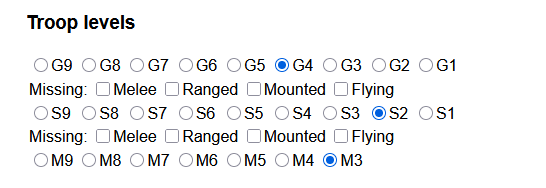
Under Troop levels, chose your highest troop available Guardsmen, Specialists, Monsters. You can also specify if you are missing any troop type research for both Guardsmen and Specialists.
Next bonuses.
Whether you are sending a Hero or a single captain make sure its the only thing active, in troop selection window, you need to dismiss them, unticking them from here wont remove their army bonuses which can throw off the calculations.

Strength against Epics, use it if you have either Hercules or Ghostflame Lantern from Dark Omens tournament, otherwise leave it at 0

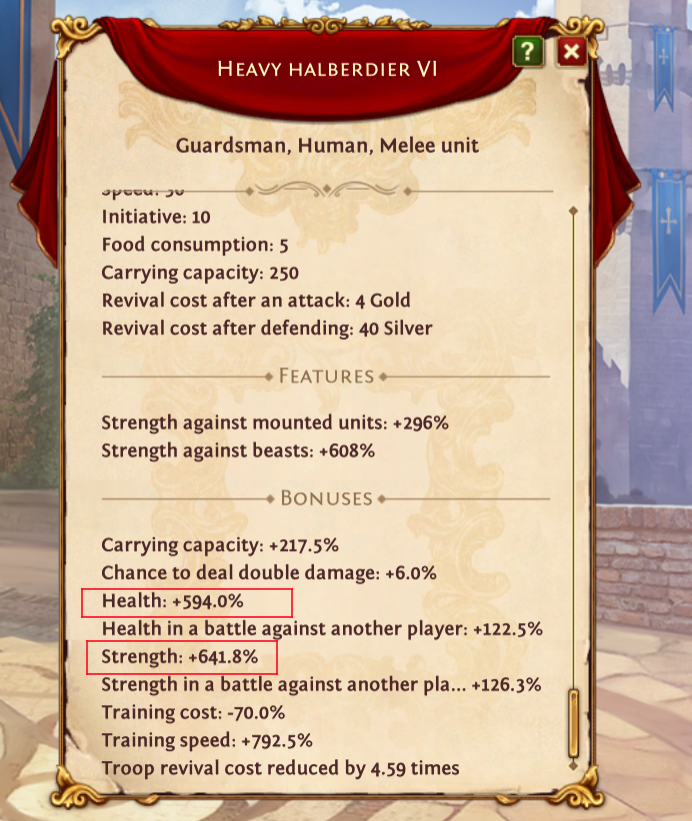
Under Leadership you want to enter Strength(S) and Health(H) bonuses for each Guardsmen type and Specialists Swordsmen. In troop selection window click on a unit to open its information and statistics
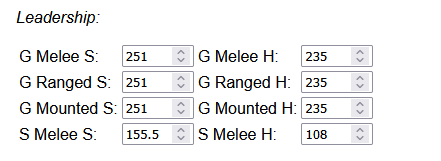
Do the same for Monsters, Flying, Specials and Epic Monster Hunter Mercenaries (EMH) if you have them
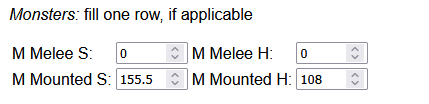
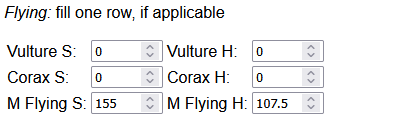
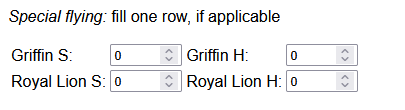
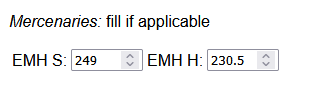
Under General out in your max Leadership, Dominance and how many Epic Monster Hunters you have from troop selection window. G, S, M levels dictates how many different levels of Guards you want to send. For example if your highest is G6 and you put 2 calculator will calculate army size for G6 and G5, same for Specialists and Monster. Personally, I only send one level of Specialists and two levels of monsters.
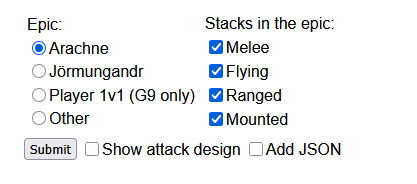
Then chose your Epic you want to calculate for. Epics like Doomsday, Fallen King or Wolf use “Other” option. Always check for types of monsters on the Epic you are attacking but by default you can leave all 4 types on. Then click Submit
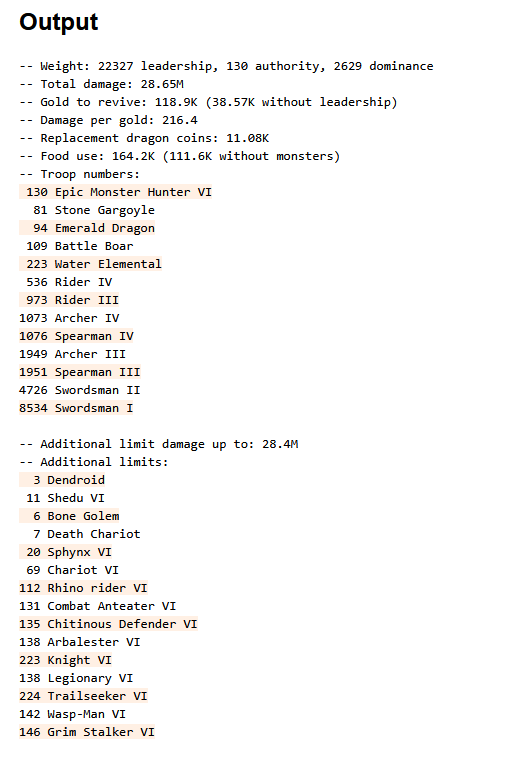
And this is what you will get. Use these exact number for best results. Lower part “Additional Lists” is a list of extra mercenaries, bought from Mercenary exchange, for extra damage.